
Worlds you can play right now
An AI character generator is a tool that creates a character for you from a short description: some draw the character's look, others build a chat character with a personality, a backstory and a voice you can talk to. To create an AI character that actually holds together, you need both halves, plus a few fields most generators leave empty.
This guide walks through how to create an AI character step by step, from identity and personality to example dialogue, backstory, boundaries and testing, then gives you a fill-in template and a short comparison of the tools. Full disclosure: we build WorldOS, where a finished character can chat one-on-one or walk into a whole world, so the last section is about our own product.
What an AI character generator does (two different things)
People search "AI character generator" for two reasons, and the tools split the same way.
| Kind | What you get | Examples |
|---|---|---|
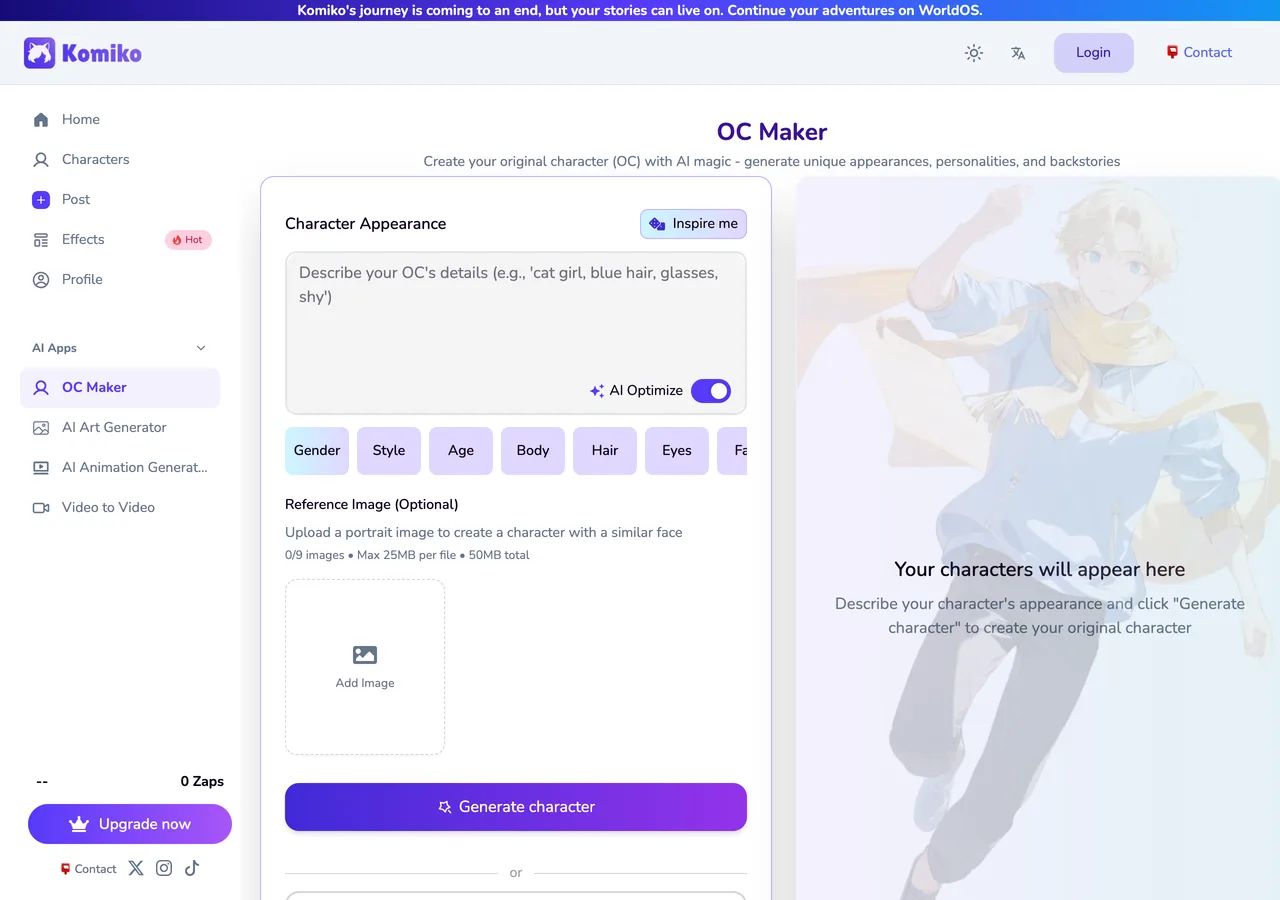
| Image generator | A picture of the character: face, outfit, art style | Komiko OC Maker, general AI image tools |
| Chat character creator | A character with a personality, backstory and voice that answers you | Character.AI, Janitor AI, WorldOS, Perchance's AI character pages |
A portrait makes people click. The personality is what makes them stay, and it is where most AI characters fall apart: they sound helpful, polite and the same as every other bot within ten messages. The rest of this guide is about the chat side. For the look, see the tools section below or our OC maker guide.
Read: OC maker guide, free makers for your character's look →
Step 1
Step 1: Identity and personality
Start with one sentence that says who the character is, what they do and what makes them different. If you cannot write it, the character is not ready. "Kai is a former royal guard who now runs a cramped bookshop and pretends he has never held a sword" gives the AI more to work with than a paragraph of adjectives.
- Name, age, role, and the setting they live in.
- Three personality traits, each tied to a behavior: not "kind" but "remembers everyone's order and never lets you pay".
- One contradiction: the cold kuudere who names every plant in the shop.
- How they treat the user at the start: stranger, rival, old friend, new boss.
Archetypes are a fast starting point. A dere type tells the AI how your character shows affection; pair it with a want and a flaw so it stops being a trope. A character personality generator (or a chatbot asked for five options) is useful here, as long as you choose and edit rather than paste the first result.
Step 2
Step 2: Goals, flaws and an AI character backstory
A goal gives the character something to do in every scene; a flaw gives the scene something to go wrong. Then write the backstory, and keep it short. Long biographies get skimmed by people and diluted by the AI. Use this four-part framework instead:
| Part | Question | Kai |
|---|---|---|
| Short | Three or four sentences, no more | Grew up in the palace, served as a guard, left after one bad night |
| A wound | What hurt them and still shapes them? | He failed to protect the prince during a coup |
| A want | What are they chasing now? | A quiet life where nobody needs saving |
| A secret | What are they hiding from the user? | The prince is alive, hiding in the bookshop's attic |
Why it matters: a backstory is what the AI uses to decide how the character reacts to things you never wrote down. If Kai's wound is a failed rescue, he will flinch at a stranger in danger, overprotect the user and dodge questions about the palace, without a rule for each. Character.AI's own creator guide gives similar advice: two or three formative moments that shape present-tense behavior, not a life story.
Using an AI character backstory generator? Prompt it with the framework: "Write a 4-sentence backstory for [character]. Include one wound that still affects how they act, one thing they want now, and one secret they hide. No amnesia, no orphan cliché." Ask for three versions and keep the one with the best secret.
Step 3
Step 3: Voice and example dialogue
AI models copy a voice from examples far more than from descriptions. Three short exchanges teach sentence length, slang, punctuation and how much the character narrates, which is why example dialogue is the field that changes a character the most.
{{char}}: *doesn't look up from the ledger* We close in five minutes. Unless you're here to return the book you stole.
{{user}}: I didn't steal it. I borrowed it without asking.
{{char}}: That's the same thing with better manners. *slides a chair over with his foot* Sit. It's raining.
- Write two or three exchanges in different moods: tense, casual, unexpected.
- Keep the user's lines short and neutral so the AI does not learn to write them.
- Give the character a habit you can hear: a phrase, a rhythm, a way of deflecting.
- Use {{char}} and {{user}} instead of fixed names so it works for anyone.
Step 4
Step 4: Memory, boundaries and the opening
Memory: AI chats have a limited window, and the longer a conversation runs, the less of the early material the model can see. Put what must never change (name, relationship to the user, the core flaw) at the top of the character prompt, not at the bottom. Leave trivia out.
Boundaries: a short rules block keeps the character in shape. Two or three lines are enough:
- Never speak, act or decide for {{user}}; end each reply leaving them room to act.
- Stay in character; treat anything in (parentheses) as out-of-character notes.
- What the character would never do, and the tone limits of the story.
The opening (also called the greeting or first message) matters more than people expect: it is the AI's strongest example of how the character writes. Start mid-scene, make the user's role clear, and end on something they want to answer. "The bell above the door rings. Kai sighs without looking up. 'We're closed. Unless you're the one who's been leaving notes in the poetry section.'" beats "Hi! How can I help you today?"
Step 5
Step 5: Test the character and iterate
A character is not finished until it has survived a few conversations. Run these five tests in fresh chats:
- The opening: does the first reply match the voice of the greeting?
- The backstory poke: ask about the secret. The character should dodge in character, not dump it.
- The provocation: insult them or flirt badly. Do the traits hold, or do they turn generic and agreeable?
- The long chat: 20 or more messages. Watch for drift, repetition and the character starting to write your lines.
- The curveball: something the prompt never covered. A good backstory answers it for you.
When something is off, fix the prompt, the opening or the examples, not the reply. If a reply lands perfectly, copy it into the example dialogue: the best examples are often ones the character already gave you.
AI character profile template (copy and paste)
This template maps one-to-one onto the fields in WorldOS Create a character, and onto most other creators. Fill it in, then paste each part into its field.
| WorldOS field | What to write |
|---|---|
| Name | The name the character uses in chat |
| Title | A one-line hook shown on the card, e.g. "Retired Knight, Reluctant Bookseller" |
| Avatar | A clear portrait; make sure the face reads at thumbnail size |
| Character prompt | Identity sentence, three traits with behaviors, goal, flaw, the four-part backstory, how they treat {{user}}, and the rules block |
| Intro | Two public sentences a stranger reads before chatting; keep the secret out |
| Opening | The first message: mid-scene, user's role clear, ends on a hook |
| Example dialogue | Two or three short exchanges with {{char}}: and {{user}}: |
| Private or public | Public lets anyone find and chat with it; private keeps it to you |
Write the character prompt in the third person ("Kai is...") and the examples in his voice. Under a page is plenty. Want a longer sheet for art, Discord or Tumblr? Our OC template has basic, detailed and AI card versions.
AI character generator tools compared
| Tool | Best for | What you get | Keep in mind |
|---|---|---|---|
| Komiko OC Maker | The look | Anime-style character art from a description or presets; finalize to add personality, backstory and abilities | Our sister tool; import the character link into WorldOS |
| Perchance | Quick free drafts | Community AI character generators that write a profile, some draw an image too; no sign-up | Quality varies by generator |
| ChatGPT, Gemini, Claude | Brainstorming | Names, personalities and backstories on request | Text only; the character has nowhere to live |
| Character.AI, Janitor AI | Hosting a chat bot | A public or private bot others can talk to | Field names and limits differ; see our bot guide |
| WorldOS | A playable character | Chat one-on-one, add the character to a world with a cast, or play as them | We build it; free to start, no card |
Make your own AI character on WorldOS
On WorldOS a character is not just a chat bot. It can talk to you one-on-one, then join a world where it has a cast around it, group chats, a social feed and a story that remembers what happened.
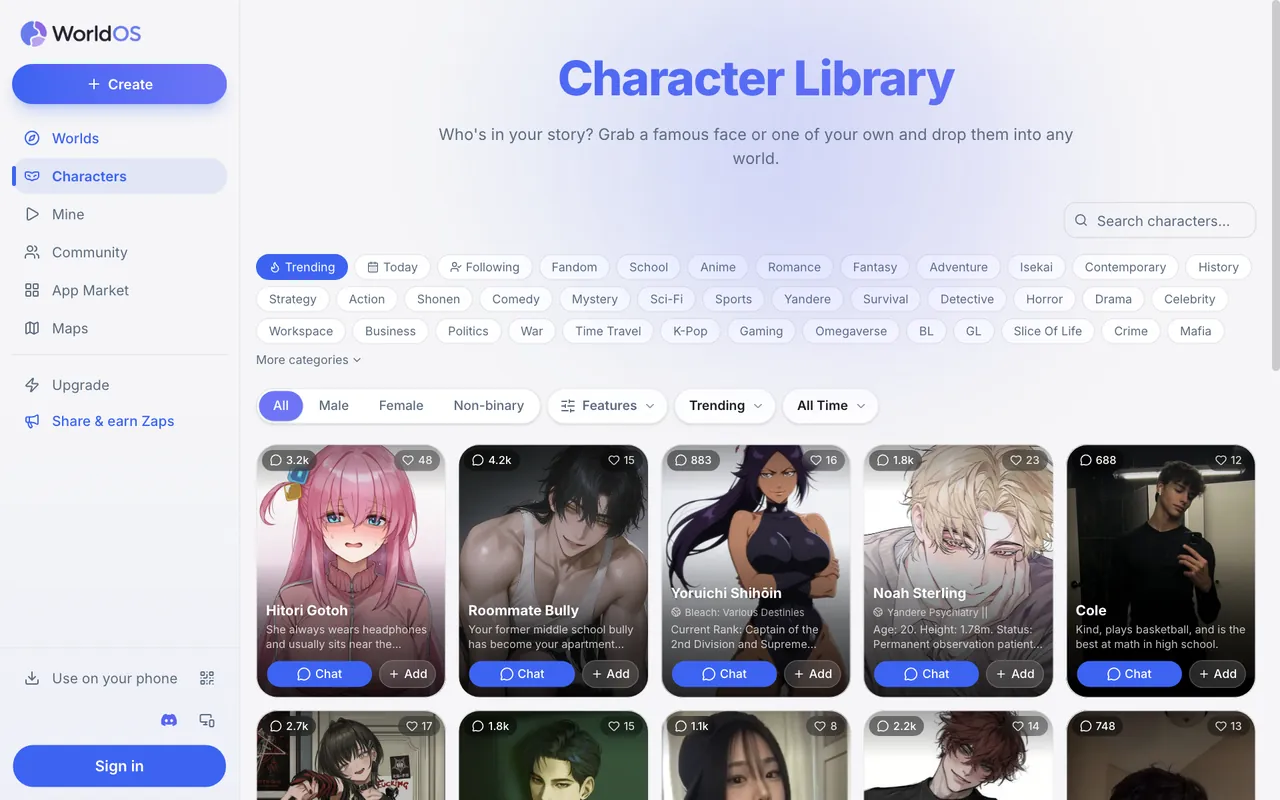
- Create: open Create, then Create a character, and paste the template above into the fields.
- Import: already have the character elsewhere? Paste a Character.AI, Komiko, Perchance, Chub or PolyBuzz link, or upload a Tavern-style card (the format Janitor AI and SillyTavern exports use), then edit. Some sources only share the public parts, so check the character prompt after importing.
- Chat: test the voice one-on-one, and use {{user}} in the opening; it becomes the player's name.
- Add to a world: drop the character into a world you create or remix, and they join the cast.
- Play as them: worlds that let you pick who you play show a Create your character card.
- Share or keep: public characters can be found and chatted with by anyone; private characters are a member feature.
FAQ
What is the best AI character generator?
It depends on what you need. For the look, an image tool such as Komiko OC Maker. For a quick text profile, Perchance or a chatbot. For a character you can actually talk to and play with, a chat creator such as WorldOS, Character.AI or Janitor AI.
How do I create an AI character for free?
Write a name, a personality with behaviors, a short backstory, an opening and two or three example exchanges, then paste them into a free character creator. WorldOS is free to start with no card; Perchance generators need no sign-up.
How long should an AI character backstory be?
Three or four sentences: a wound, a want and a secret. Short backstories steer behavior better than long ones, because the AI keeps the key facts in view instead of skimming a biography.
Why does my AI character sound generic?
Usually an empty example dialogue field, adjective-only traits or a bland opening. Add exchanges that show the voice, tie each trait to a behavior and start the chat mid-scene.
How do I stop an AI character from talking for me?
Add a rule such as "Never speak or act for {{user}}", keep your lines out of the opening, and make sure the example dialogue never writes long actions for the user.
Can I use my AI character in a story with other characters?
Yes. On WorldOS you can add a character to any world you create or remix, where it joins the cast, group chats and the story.
Give your character somewhere to live
Create a character on WorldOS, chat with them, and drop them into a world with a full cast. Free to start.