Worlds you can play right now
To make a Character AI bot, tap Create, choose Character, give it a name, an avatar, a voice and a greeting, pick tags and a visibility, then add a tagline, a description and a definition to give it depth. A Janitor AI bot works the same way with different fields: a personality, a scenario, an initial message and example dialogs.
This guide covers both, field by field, plus the questions people actually get stuck on: how to make the bot say your name, keep it private, stop it talking for you, keep a canon character accurate, and fit several characters into one bot. Full disclosure: we build WorldOS, so the last two sections show how to make the same character there, and how a world can hold a whole cast instead of one crowded bot. Field names and limits below are from each platform's own guides at the time of writing and do change.
How to make a Character AI bot, step by step
On the web, click + Create in the left menu and pick Character; on mobile, tap the + button at the bottom. Character.AI's own creator guide lists these fields:
| Field | What it does | Limit (per Character.AI's guide) |
|---|---|---|
| Name | Shown in search, discovery and chat | 3-20 characters |
| Avatar | Upload one or generate it from a description | Square, ideally 512 x 512 |
| Voice | Read-aloud voice from the library, or your own from a short clip | Clip of roughly 3-15 seconds |
| Greeting | The first message in every new chat; you can add up to five more | Up to 4,096 characters |
| Tags | How people find the bot when browsing | Pick a few that fit |
| Visibility | Public, Unlisted (link only) or Private (only you) | Required |
| Tagline | One line under the name on cards | Up to 50 characters |
| Description | The profile blurb, ideally in the character's own voice | Up to 500 characters |
| Definition | The deep instructions: personality, backstory, rules, example dialogue | Up to 32,000 characters |
Tagline, description and definition are optional at creation, but they are the difference between a bot that works and one people come back to. Hit Create, then test it right away.
How to write a Character AI bot definition and greeting
The definition is read top to bottom, and what sits at the top counts most. Character.AI's guide suggests this order, and notes that a tight definition of a few thousand characters usually beats one that fills the limit:
- Identity: name, role, world, and the one thing that makes them who they are.
- Personality: concrete behaviors, not adjectives.
- Dialogue examples: two or three exchanges in different moods, each closed with + End of dialog.
- Behavioral rules: a short list of always and never.
- Everything else: lore, relationships, formatting.
Use {{char}} for the bot and {{user}} for whoever is chatting. A minimal definition looks like this:
{{char}} is Vera, a fixer in a rain-soaked port city who solves problems people would rather keep. Dry, unhurried, never raises her voice; gets kinder the more dangerous things get. Wants out of the business; owes a debt she can't name. {{char}} never speaks or acts for {{user}}.
The greeting matters even more than it looks: the AI treats it as its strongest example of how the character writes, so whatever length and style you greet in is what you will keep getting. Open mid-scene, make the user's role clear, and end on a hook. "You're finally here." does more than "Hello, how are you?"
Read: how to create an AI character with a backstory that holds →
How to make a Janitor AI bot
Janitor AI's form is closer to a Tavern-style character card. A creator guide in Janitor AI's help center walks through these fields:
| Field | What it does |
|---|---|
| Image | The bot's picture; the guide asks for an adult-looking character |
| Character name and chat name | The public name, and the name used inside the chat |
| Character bio | A public overview for browsers; it does not change how the bot behaves |
| Tags | Up to 10, for discovery only |
| Limited or Limitless | The content rating: Limited for all-ages bots, Limitless for mature ones |
| Personality | The character sheet the AI reads every time; keep it lean |
| Scenario | Optional; the setting or situation |
| Initial message | The first message; it sets the plot and the writing style |
| Example dialogs | Sample exchanges; they can drop out of memory once the chat gets long |
The form shows a token count. The same guide suggests keeping permanent tokens (personality plus scenario) under about 2,000 so the bot works well with Janitor's own model. New bots start private; you make them public yourself, and "show definition" lets everyone read the personality, scenario and examples.
Janitor AI personality template (copy and paste)
A good Janitor AI bot has a short, scannable personality and a strong initial message. Paste this into the personality field and fill it in:
- [{{char}}: full name, age, role, where they live]
- [Appearance: two lines, one detail people will remember]
- [Personality: three traits, each written as a behavior]
- [Wants: what they chase now / Fears: what they avoid]
- [Backstory: three sentences, one wound, one secret]
- [Relationship to {{user}}: how they met, how {{char}} treats {{user}} at the start]
- [Speech: sentence length, slang, verbal tics, one sample line]
- [Rules: {{char}} never speaks or acts for {{user}}; stays in character]
Then write the initial message in the bot's style, mid-scene, without describing what {{user}} does or feels. Three things separate a good Janitor AI bot from the rest: specific behaviors instead of adjectives, an initial message that shows the voice, and a personality short enough that the bot never loses it.
Make it say your name, keep it private, stop it talking for you
Say your name: write {{user}} wherever the bot should use the user's name. On Character.AI, {{user}} in the greeting becomes the chatter's display name, and your persona tells the bot more about you. On Janitor AI, {{user}} pulls the name from the reader's persona. Never hard-code your own name in a public bot.
Make a bot private: on Character.AI set Visibility to Private (only you) or Unlisted (anyone with the link); you can also keep the definition hidden while the bot stays public. On Janitor AI new bots are private until you publish them, and leaving "show definition" off keeps the personality and scenario hidden.
Stop it talking for you, the most common complaint on both sites:
- Never describe {{user}}'s actions, thoughts or feelings in the greeting or initial message.
- Keep {{user}}'s lines in example dialogue short, and never write long actions for them.
- Add one rule: "{{char}} never speaks, acts or decides for {{user}}."
- End the greeting on the character's question or action, so the next move is yours.
- When a reply does it anyway, swipe or regenerate rather than continuing from it.
How to make a bot accurate to a canon character
- Use the full name and the series in the name or tagline, e.g. "Satoru Gojo (Jujutsu Kaisen)". Famous characters are already partly known to the model.
- Spend the definition on what the model gets wrong: speech quirks, how they address people, the timeline point ("after the Shibuya arc") and current relationships.
- Write example dialogue in their voice, in your own words. Do not paste long passages from the source.
- Pick one era of the character. Mixing a season-one and a final-arc personality makes the bot inconsistent.
- Avoid flanderization: one running joke, not every line.
Fan bots live at the rights holder's discretion: Character.AI removed many Disney characters in late 2025 after a cease-and-desist letter. A fan world built around your own character in a familiar setting is a safer long-term home.
A Janitor AI or Character AI bot with multiple characters
Multi-character bots are popular (Janitor AI even has a "Multiple" tag), but one bot voicing a whole cast is hard to keep straight. If you build one, make it a narrator:
- Name the bot after the setting or group ("Raven Academy"), and make {{char}} the narrator who voices everyone except {{user}}.
- Give each character a labeled block: name, look, three traits, how they talk, relationship to {{user}} and to each other.
- Keep it to three or four characters. Every extra one costs tokens and blurs the voices.
- Give each a distinct speech habit, and have replies put the speaker's name before their lines.
- Introduce one or two in the opening, not the whole cast at once.
Character.AI also has a group chat feature for putting separate characters in one conversation, where available. Even then, the characters share no world: no places, no time passing, no memory of what happened to the others.
Make the same character on WorldOS, or import your bot
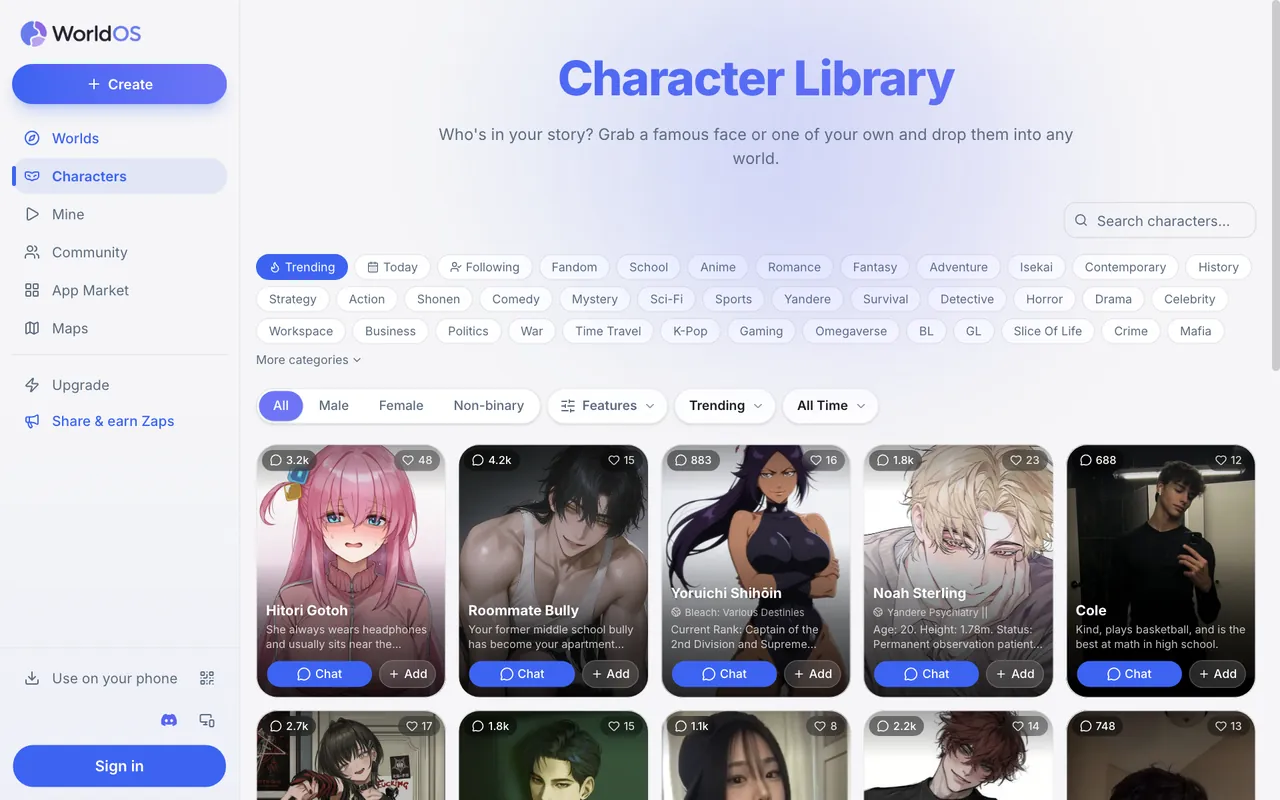
WorldOS's Create a character form uses the same ideas with fewer fields, and the same {{char}} and {{user}} placeholders:
| Character.AI | Janitor AI | WorldOS |
|---|---|---|
| Name | Character name | Name |
| Tagline | Bio (first line) | Title |
| Description | Bio | Intro |
| Definition | Personality and scenario | Character prompt |
| Greeting | Initial message | Opening |
| Dialogue in the definition | Example dialogs | Example dialogue |
| Visibility | Public or private | Public or private (private is a member feature) |
- Import a Character.AI bot: paste its link. You get the name, title, description and greeting, plus the definition when the creator left it viewable.
- Move a Janitor AI bot: if you have it as a Tavern-style card file (PNG or JSON), upload it; otherwise paste your personality and scenario into the character prompt and your initial message into the opening.
- Links from Komiko, Perchance, Chub and PolyBuzz work too.
- {{user}} in the opening and example dialogue becomes the player's name, so imported cards keep working.
Put several characters into one world instead of one bot
On WorldOS you don't need to cram a cast into one bot. A world holds as many characters as you like, each with its own prompt and voice, and the AI runs all of them around you: one-on-one chats, group chats, a social feed, a story that moves forward, and memory that runs across the whole world.
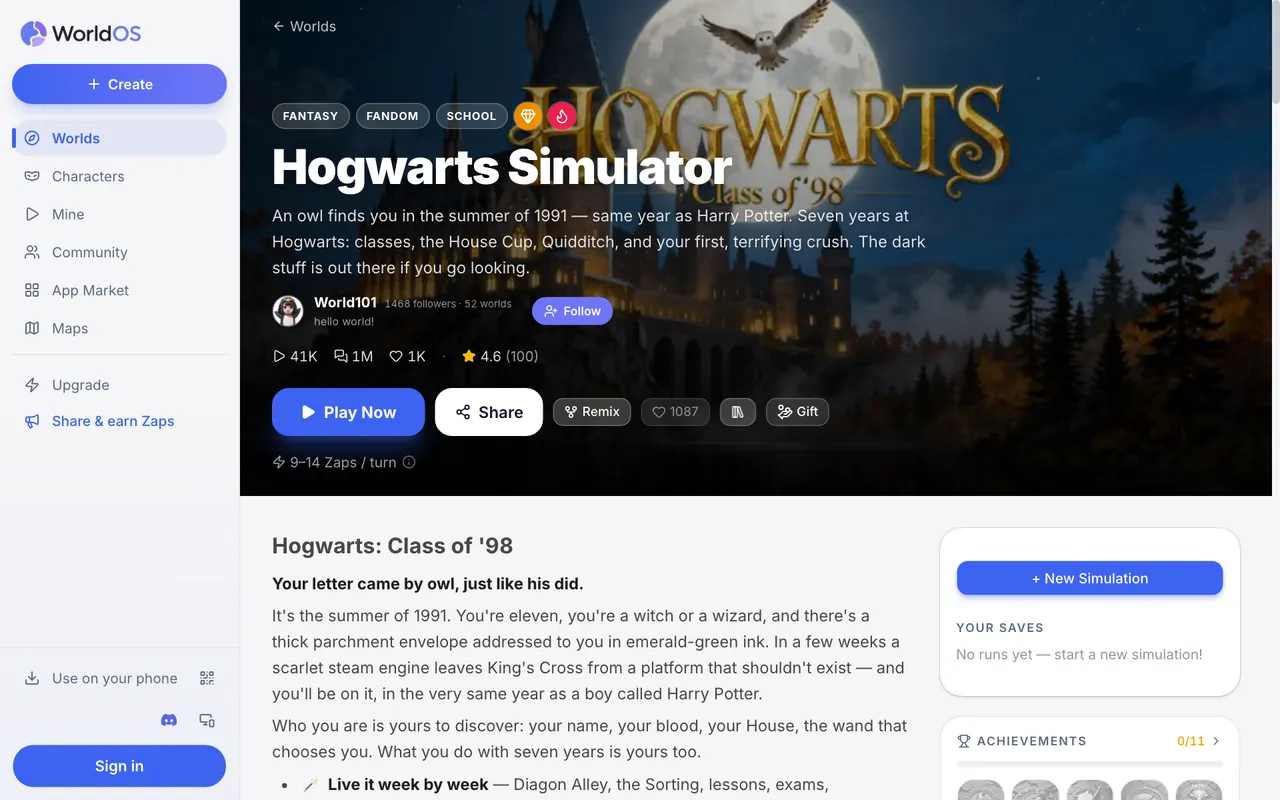
- Create each character, then use Add to a world on your own world or a remix of a public one.
- Or start from a world that already has the cast, like the fandom worlds below, and add your OC to it.
- Worlds that let you choose who you play show a Create your character card, so you can enter as yourself.
It is free to start, no card needed.
FAQ
How do I make a Character AI bot?
Click + Create and choose Character, then add a name, an avatar, a voice and a greeting, pick tags and a visibility, and press Create. Add a tagline, description and definition afterwards to make the bot consistent.
What should I put in a Character AI bot definition?
Identity first, then personality as concrete behaviors, two or three example exchanges using {{char}} and {{user}}, and a short list of rules. Put the most important parts at the top.
How do I make a Character AI bot say my name?
Write {{user}} in the greeting or definition. Character.AI replaces it with the chatter's display name, so the bot uses whoever's name is talking to it.
How do I make a Janitor AI bot private?
New Janitor AI bots start private, and stay that way until you publish them. Leave "show definition" off if you publish but want to keep the personality and scenario hidden.
How do I make a good Janitor AI bot?
Keep the personality short and specific, write a strong initial message in the bot's voice without describing {{user}}'s actions, add a few example dialogs, and test it over a long chat.
Can I move my bot to another site?
Yes. WorldOS imports Character.AI links and Tavern-style card files (the format Janitor AI and SillyTavern exports use), then you can chat with the character or add them to a world.
Give your bot a whole world
Import or create your character on WorldOS, then add them to a world with a full cast. Free to start.